This course includes
Audio and subtitles in English and Spanish


Audio and subtitles in English and Spanish
17 HOURS
INTERMEDIATE
54 VIDEOS
Direct video download
Learn the fundamental concepts that every data wrangler and on-set DIT should know. In our updated Online Course for DIT and Data Wrangler, you’ll learn all the pre-set concepts you need. The theory of video and digital cameras, the use of simulators for major professional cameras, and handling the most used programs for material downloads, backup checks, live color correction, and dailies generation. More than 17 hours of essential technical content, updated to the latest cameras and workflows.
Original price was: 219,00€.119,00€Current price is: 119,00€.
Prices without VAT
Updated Course! Since the transition from film to digital cinematography, the roles of the Data Wrangler and DIT have become increasingly essential.
Initially responsible for creating all on-set backups of the footage, they have since evolved into key creative and technical allies of the director of photography throughout the entire production process.
In our Online DIT and Data Wrangler Course, you’ll learn all the essential pre-set concepts you need to work professionally.
From the theory of video and digital cameras to the use of camera simulators for major professional systems, you’ll also master the most commonly used software for offloading footage, verifying backups, live color correction, and dailies generation.
With over 17 hours of essential technical content, this course is fully updated to the latest cameras and workflows — an indispensable resource for anyone working on set.
PHOTOGRAPHY DEPARTMENT
Check his profile on
Camera assistants and operators, colorists, post-production specialists, editors, cinematographers, and anyone working in image or photography departments who wants to take on DIT and Data management responsibilities during production.
All materials used in our courses are high-quality files, captured with professional market cameras. You will be able to work with materials from real productions.
SOFTWARE USED:
–
Are you interested in our course? Need more information? Contact us at info@709mediaroom.com and we will solve all your doubts!
Course code: CO-DIT-GEN10
These are video courses for you to download and have permanently on your computer.
Most of the a la carte courses include support materials: professional video files for practice and/or extra documentation. You can download them together with the videos.
All the courses use programs that have free and/or trial versions. In the course description you will find links to download the necessary programs.
The purchase process is carried out following the steps of the system itself:
• Clicking on "Buy" will take you to the "Billing Information" page to fill in your personal data.
• If you already have a user account on the website, you can enter your login details at the top.
• Then you will see the "Summary and Payment" page to check that everything is correct and where you must approve the terms and conditions of 709 courses.
• Once in PayPal, you can pay with any credit or debit card or your PayPal account. You can also pay by card using the Stripe gateway.
• Once the payment is made, you will receive a confirmation email from PayPal or Stripe and another email from 709MR containing the video download links.
• You will also have access to the download links from your 709MediaRoom user account. (*Only the user who made the course payment will have access to that page.)
• Access to the course video downloads will be available for one month from the date of purchase.
• You have the purchase invoice in your 709MediaRoom account and attached to the email with the download links.
Do not use Google Chrome to download the course materials. This browser blocks .zip files and will not allow you to download them. There's no problem using it for the videos.
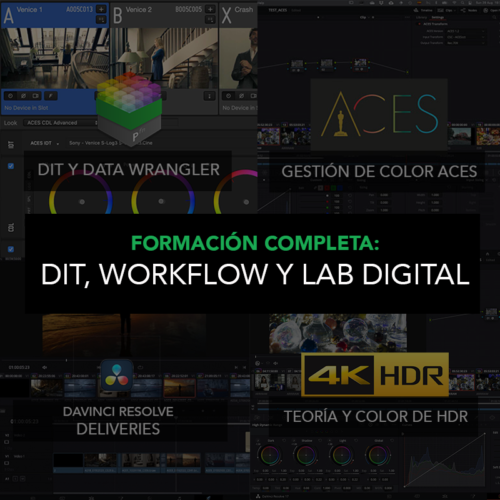
Complete Training Programs
Advanced