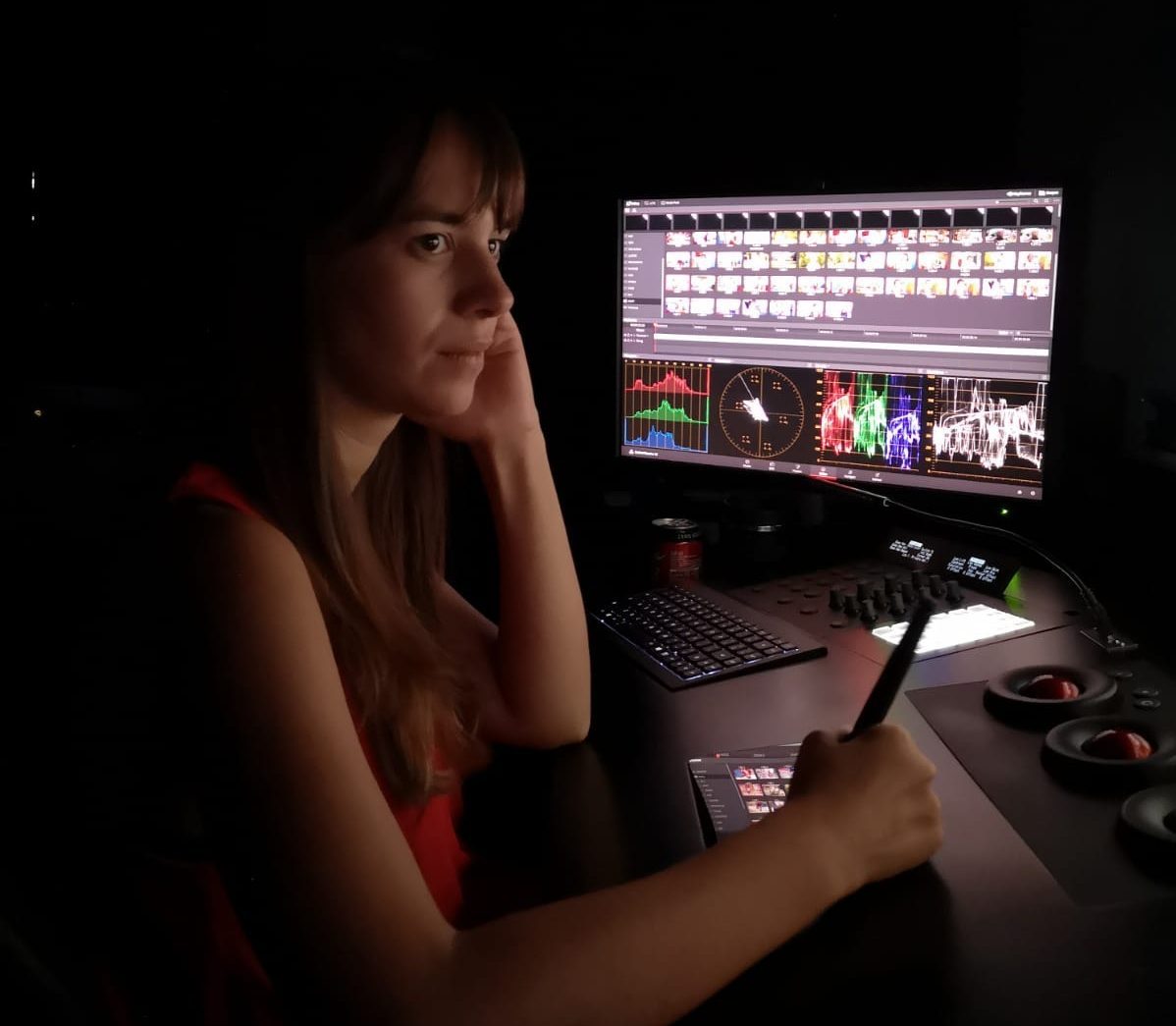
One of the least-known yet most crucial stages in the color workflow is conforming — the process of moving from offline (low-resolution) media to the online (high-resolution) camera originals.
It’s the step right before color grading, and a skill that both colorists and assistants must master to work professionally in the world of audiovisual color.
In our Online DaVinci Resolve Conforming Course, you’ll learn the key concepts needed to move your timelines from the editing stage into DaVinci Resolve.
You’ll explore some of the less intuitive but essential aspects of the software — such as project configuration settings — and gain hands-on experience with the workflows that allow you to bring projects into DaVinci Resolve from different editing platforms and source materials.
This course focuses on the conforming process from other editing platforms such as Avid or Premiere, making it ideal whether you want to grade your own projects or start a career in the audiovisual industry as a color assistant.
DaVinci Resolve is rightfully the most used color correction program in any type of production, to the point that it has become the standard for digital production and post-production professionals. From a small short film graded on your laptop to a Hollywood movie on a 4K workstation, DaVinci Resolve is, without a doubt, the ideal tool for color correction at any level.
But DaVinci Resolve is no longer just for color; since its acquisition by Blackmagic Design, it hasn’t stopped growing. Currently, it’s a tool to carry out almost all post-production: editing, VFX, sound, LAB, DIT are some of the functions and disciplines that can be performed with the program. And now it can also be done collaboratively and remotely.
Aimed at
Colorists, editors in Avid, FCP, and Premiere, cinematographers, digital image technicians, producers, filmmakers, and anyone who wants to acquire the necessary foundations to bring their timelines from editing to color correction, as well as optimize the conforming workflow depending on the type of production.
To take the course, it is necessary to have basic knowledge of post-production and color. The course does not cover color correction theory or processes, nor the basic handling of DaVinci Resolve. It is a course specifically focused on conforming within the DaVinci Resolve software.
Materials
All materials used in our courses are high-quality files, captured with professional cameras on the market.
+ Info
SOFTWARE USED: DaVinci Resolve
–
Are you interested in our course? Need more information? Contact us at info@709mediaroom.com and we will solve all your doubts!
Course code: CO-RESCONF-GEN10